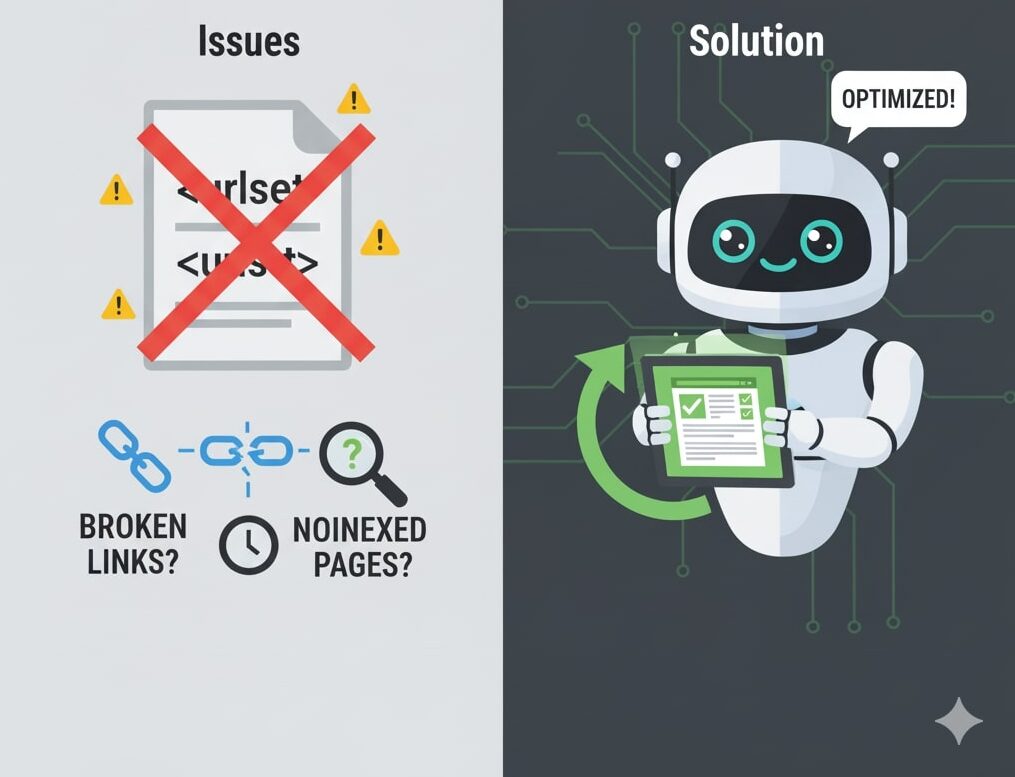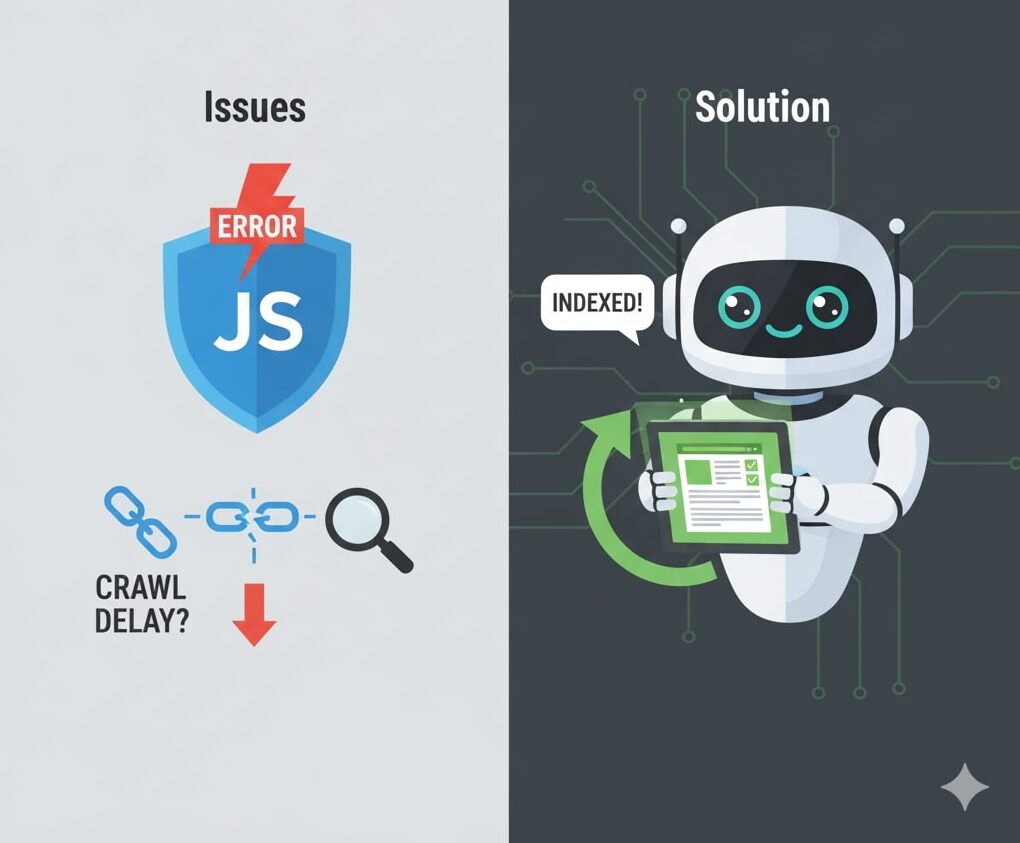
In modern web development, JavaScript is everywhere. We use it for user interactivity, dynamic content, single page applications (SPAs), frameworks like React, Vue, Angular, etc. But this flexibility comes with challenges — one of the the biggest is SEO implications.
JavaScript SEO refers to the practice of ensuring that sites which rely on JavaScript can still be crawled, rendered, and indexed by search engines in a way that supports good ranking and discoverability.
Google and other search engines have improved how they handle JavaScript in recent years, but there are still pitfalls. Understanding where things can go wrong is essential if you’re working on a JavaScript-heavy site.
Why JavaScript Can Hurt SEO (Or Be a Challenge)
Here are the core reasons JavaScript can complicate SEO:
- Deferred rendering / delayed content
Unlike static HTML, where content is immediately available in the source, JavaScript content often needs to be executed before the full HTML is generated (client-side rendering). That means search engine crawlers may not see content (or see it too late). Search Engine Land+2Ahrefs+2 - Blocking or missing resources
If scripts, CSS, or other assets are blocked (e.g. inrobots.txt), the crawler’s rendering environment is hampered. Prerender+2Google for Developers+2 - Mixed signals / overwritten metadata or directives via JS
Sometimes JavaScript adjusts canonical tags, meta robots, redirects, etc. If these are modified after initial load (or in a way search engines don’t understand), they may confuse crawlers. Sitebulb+2Ahrefs+2 - Infinite scroll / “load more” / dynamic pagination
If content is appended or revealed only via JavaScript (e.g. triggered by scroll), crawlers might never trigger those actions. If there are no real links (i.e.<a href="…">) in the initial HTML, search engines can’t discover those additional pages. Sitebulb+2Prerender+2 - Large, unoptimized JavaScript bundles
Big JS files slow down page load, block rendering, and may time out the rendering process for crawlers. Google’s rendering pipeline is more resource-intensive when JS is heavy.brightedge.com+2Prerender+2 - Error pages and improper HTTP status codes
In SPAs or other setups, a non-existent page might still return a 200 OK status (and then render some “not found” message via JS). To search engines, that looks like a valid page. Martin Splitt from Google has called this out as a common mistake. Search Engine Journal - Geolocation or permission-based content
If parts of your page depend on asking for user permissions (e.g. location, camera), crawlers (which typically deny such requests) may see an empty or partial page. Search Engine Journal - Reliance on hash (
#) in URL for content changes
Fragment identifiers (the part after#) are often ignored by search engines in terms of crawling. So if your content load depends on a hash (e.g.site.com/#section2), that may not map to distinct, indexable content. Sitebulb+2Google for Developers+2 - JavaScript errors or unexpected behavior
Minor JS errors (console errors) may break the rendering pipeline or block some scripts, resulting in missing content. Also, conditional logic, race conditions, or asynchronous loading can cause content to appear too late or not at all. Search Engine Land+2Seobility+2 - Dynamic rendering / cloaking pitfalls
Some sites use dynamic rendering: serve a fully rendered HTML version to search bots and a dynamic JS version to users. While this was once common, Google now considers it a workaround and warns that it can introduce complexity or risk. Ahrefs+2HubSpot Blog+2
Best Practices & Solutions
Knowing the problems is half the battle. Here’s how to mitigate or avoid JS SEO issues:
1. Use Server-Side Rendering (SSR) or Static Rendering / Pre-rendering
- SSR: The server renders the full HTML (or key parts) before sending it to the client. This means crawlers can see the content without needing to execute JavaScript. Prerender+4Google for Developers+4HubSpot Blog+4
- Static Rendering / Pre-rendering: Generate static HTML of your pages (at build time) and serve those for crawlers or even users, while hydrating JS for interactions. Impression+3Ahrefs+3Google for Developers+3
- Hydration / Universal / Isomorphic rendering: Combine SSR for initial load plus client-side JS to take over interaction after the page loads.
These approaches help ensure your content — metadata, headings, links — is available in the HTML before JS kicks in, making the page “crawlable + indexable.”
2. Progressive Enhancement & Content First
Design your pages so that the basic content is accessible even without JS. Let JavaScript “enhance” the experience, but don’t rely on it entirely for SEO-critical content. This aligns with the concept of progressive enhancement. Wikipedia+2Seobility+2
3. Don’t Block JavaScript / CSS Resources
Ensure that your robots.txt does not block JS or CSS files that are needed for rendering. The search engine’s rendering engine needs access to those resources to properly simulate a browser environment. Prerender+2Google for Developers+2
4. Use Proper HTML Anchors & Discoverable Links
Don’t rely on JavaScript event handlers (onclick) or other JS-only navigation for internal linking. Use real <a href="path"> tags so crawlers can follow links and build the crawl graph. Seobility+3Prerender+3Sitebulb+3
For paginations, infinite scroll, or “load more”, you can:
- Include standard paginated links in the HTML (even if you also support infinite scroll for users).
- Use a fallback to paginated pages for bots.
- Use the “Load More” approach but also reflect page states in URLs.
5. Optimize JavaScript Bundles & Performance
- Split code and only load what’s necessary (code-splitting, lazy loading)
- Minify and compress JS
- Avoid loading large unused JS modules
- Defer non-essential JS
- Ensure critical content and above-the-fold rendering is fast
The faster your page renders, the more likely crawlers will render it successfully. Prerender+4brightedge.com+4Impression+4
6. Handle HTTP Status Codes Correctly
Ensure that when a page does not exist, you return a 404 or 410 status — not a 200 status with “page not found” message built via JS. That way, search engines don’t treat error pages as valid content. Search Engine Journal
7. Avoid Over-reliance on Dynamic Rendering
While dynamic rendering (i.e. serving a pre-rendered version to bots and a JS version to users) can help, Google considers it more of a stopgap than a long-term strategy. It introduces complexity, risk of mismatch, and maintenance burden. Ahrefs+2Google for Developers+2
8. Use Diagnostic Tools & Monitoring
- Google Search Console → URL Inspection: See the rendered HTML as Google sees it, list of blocked resources, errors. Google for Developers+2Search Engine Land+2
- “View Source” vs “Rendered Source”: Compare what’s initially served vs what JS injects. Search Engine Land+1
- Chrome DevTools / Network / Coverage / Performance tools: Detect unused JS, rendering delays, errors.
- SEO crawling tools that support JS rendering (e.g. Sitebulb, Screaming Frog with JS rendering) Sitebulb+2Search Engine Land+2
- Monitor indexing status, crawl errors, coverage issues in Search Console over time.
9. Fallbacks for Permissions / Geolocation
If portions of your content depend on asking for permissions (geolocation, camera, etc.), provide fallback content so that even if the permission is denied (as is the default for bots), meaningful content is available. Search Engine Journal
10. Be Careful with Hash-routing & Fragment-Based Navigation
Avoid relying solely on # (fragment) for content separation or navigation. If you need routing, use real URLs or push-state techniques so crawlers can index pages distinctly. Ahrefs+2Google for Developers+2
Common Mistakes & Pitfalls (Fast List)
- Focusing only on “view source” HTML instead of the rendered HTML (what Google actually indexes). Search Engine Journal+2Search Engine Land+2
- Returning 200 status codes for error pages in JS applications. Search Engine Journal
- Blocking
.jsor.cssfiles viarobots.txt. - Overcomplicated dynamic rendering setups that diverge from what users and bots see.
- Infinite scroll without fallback links.
- Late injection or asynchronous rendering of critical content (e.g. main body) that is too slow or timed out.
- Overloading pages with huge JS bundles that slow down CX and block rendering.
- Failing to update sitemaps to include all JS routes/pages. Prerender+1
Real-World Examples & Insights
- Martin Splitt (Google) calls out three frequent JS SEO mistakes: focusing on source HTML instead of rendered HTML, error pages being indexed as 200s, and geolocation request issues. Search Engine Journal
- In many SPAs, link discovery fails because navigation is handled purely via JS events and there are no actual
<a>links in the HTML for crawlers to follow. Search Engine Land+1 - Some sites using hash fragments (
#) to delineate content often see those pages not being indexed because the fragment is ignored by bots in terms of crawl path. Sitebulb+1
When JavaScript SEO Is OK (and When It’s Risky)
You don’t need to abandon JavaScript entirely. You just need to be cautious about how and where you use it.
- For secondary or non-critical UI enhancements (animations, dropdowns, deferred features), JS is fine.
- But for primary content (headings, paragraphs, links, metadata, page structure), aim to have it accessible without relying purely on JS.
- If your site is heavy on dynamically loaded content (e.g. large catalog, infinite scroll, lots of interactivity), invest in SSR or hybrid rendering to maintain SEO.
- For internal apps or content behind login, SEO may not be a concern, so client-side JS may be acceptable there.
Conclusion
JavaScript SEO is a nuanced discipline: you must balance modern interactive capabilities with the needs of search engine crawlers. While Google and other search engines have improved their handling of JS, they aren’t perfect — and if your site is too JavaScript-dependent without the proper safeguards, you risk losing visibility.

Vrushang Patel is an experienced SEO Analyst and Freelance SEO Specialist with over three years of expertise in boosting online visibility, rankings, and organic growth. Skilled in On-Page, Off-Page, Technical, and Local SEO, he focuses on creating sustainable strategies that deliver real results. When he’s not optimizing websites, Vrushang shares practical SEO insights to help businesses stay ahead in the digital world.